Automations

Work smarter with Workflow Automation Software

Free for 14 days
No-credit card required

Magnetic automates repetitive workflows across projects, clients, and teams, freeing up hours and reducing the back-and-forth that kills momentum.

+4
100's of service firms trust Magnetic to automate workflows across their firm
Trusted by 50,000+ businesses
What automations help you do

Get More Done Without Adding Work

Magnetic streamlines your workflows behind the scenes - handling repetitive tasks, syncing updates and keeping your projects moving forward without the usual back-and-forth.

Save time on routine tasks
Let automation handle routine tasks so your team can focus on real work.
Reduce manual errors
Cut down on manual errors and keep everything running smoothly.
Keep projects moving
Get instant updates so you can react fast and keep projects on track.
Get real-time updates
Receive automatic alerts when tasks are assigned, updated, or completed.

Visualise & Manage Your Automations

Gain clarity and control over your processes. Create, monitor, and refine automations effortlessly to keep your business running at its best.
Build Workflows That Fit Your Needs
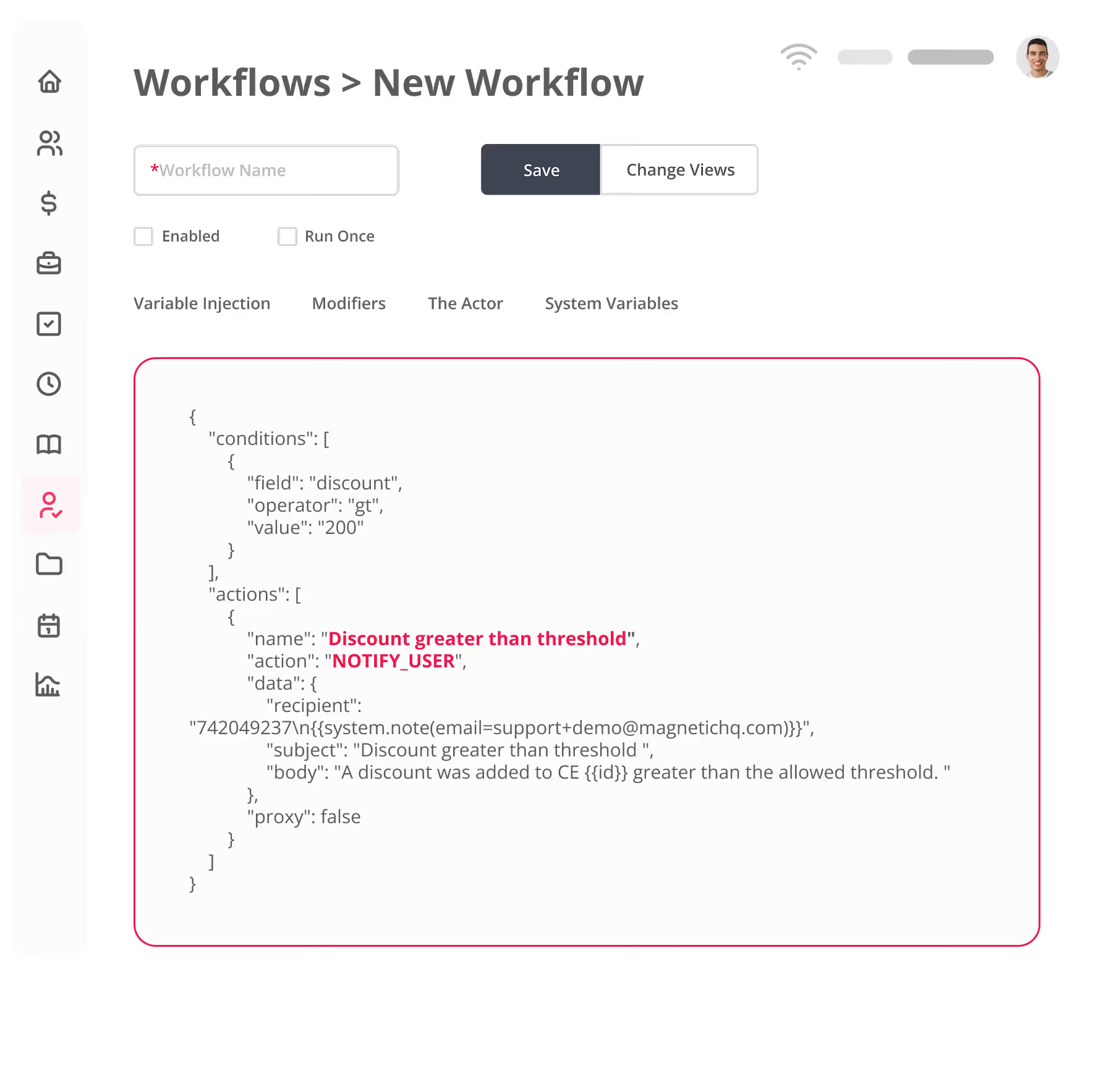
Design automation paths that align perfectly with your business needs, ensuring efficiency and precision.
Make Adjustments in Real Time
Track automation performance as it happens with a clear, user-friendly dashboard. Quickly identify bottlenecks or inefficiencies and make adjustments instantly to keep everything running smoothly.
Scale Your Automations as Your Business Grows.
As your team takes on more projects, you can adjust your automations to handle the workload—no extra setup needed.

What you can put on autopilot

Automate Tasks, Jobs, Clients and More

Use Magnetic to automate key processes across your business, from task management to accounts.

Simplify cost management

Automate workflows for cost estimates, purchase orders, and supplier invoices as they’re created or updated.

Streamline invoicing

Trigger automated processes for tax invoices and credit notes to reduce manual effort and speed up approvals.

Track expenses automatically

Receive instant updates when expenses are created or approved, ensuring accurate financial tracking.
Book a demo
Thank you! Your submission has been received!
Oops! Something went wrong while submitting the form.
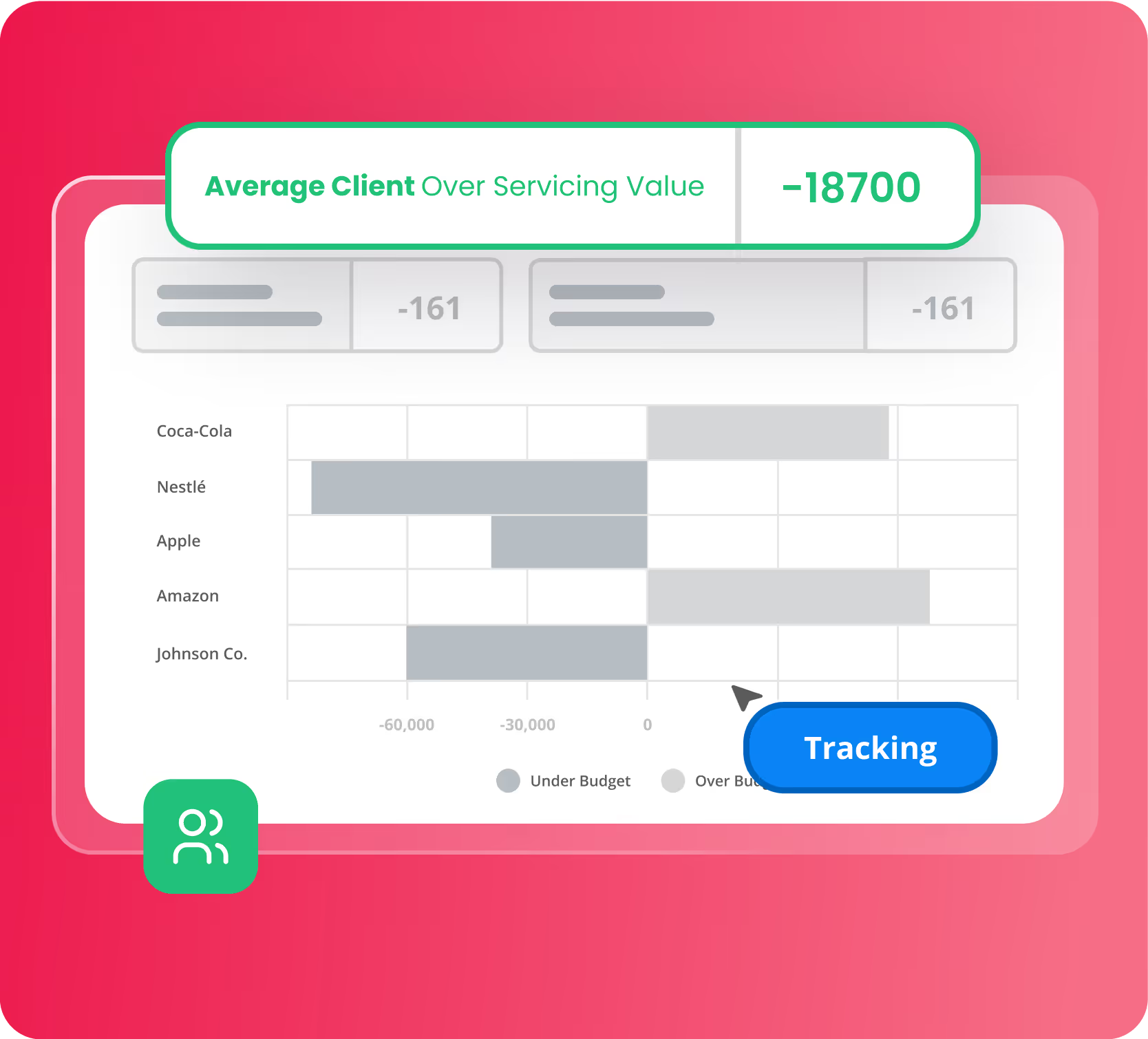
Magnetic bar chart showing average client over servicing value for Coca-Cola, Nestlé, Apple, Amazon, and Johnson Co., indicating under and over budget amounts.

Track Task Progress in Real Time

Automatically track when tasks are created, updated, completed, or overdue.

Automate Status changes

Notify the right people as soon as a task changes, so nothing slips through the cracks.

Automate comments and time entries

Automatically log comments and time entries so your team has everything they need.
Book a demo
Thank you! Your submission has been received!
Oops! Something went wrong while submitting the form.
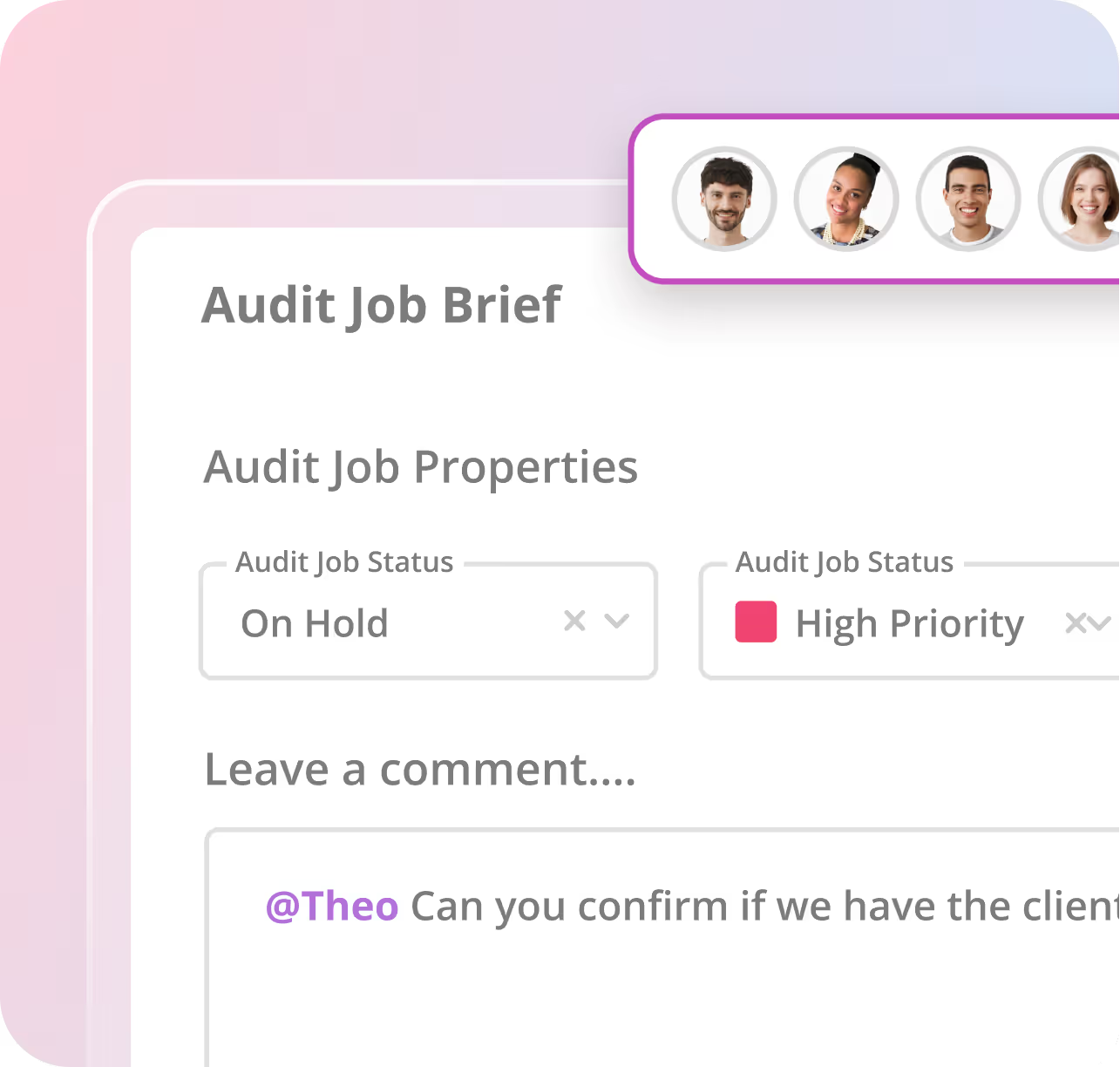
Magnetic audit Job Brief interface showing Audit Job Properties with statuses 'On Hold' and 'High Priority' plus a comment tagging @Theo.

Stay ahead on project updates

Set up triggers for new jobs, status changes, or signed opportunities, keeping your team informed at every stage.

Set up budget alert warnings

Receive instant notifications for profit or time budget warnings, helping you address potential issues early.

Keep everyone aligned

Track status changes, signed opportunities, and added comments to maintain project transparency.
Book a demo
Thank you! Your submission has been received!
Oops! Something went wrong while submitting the form.
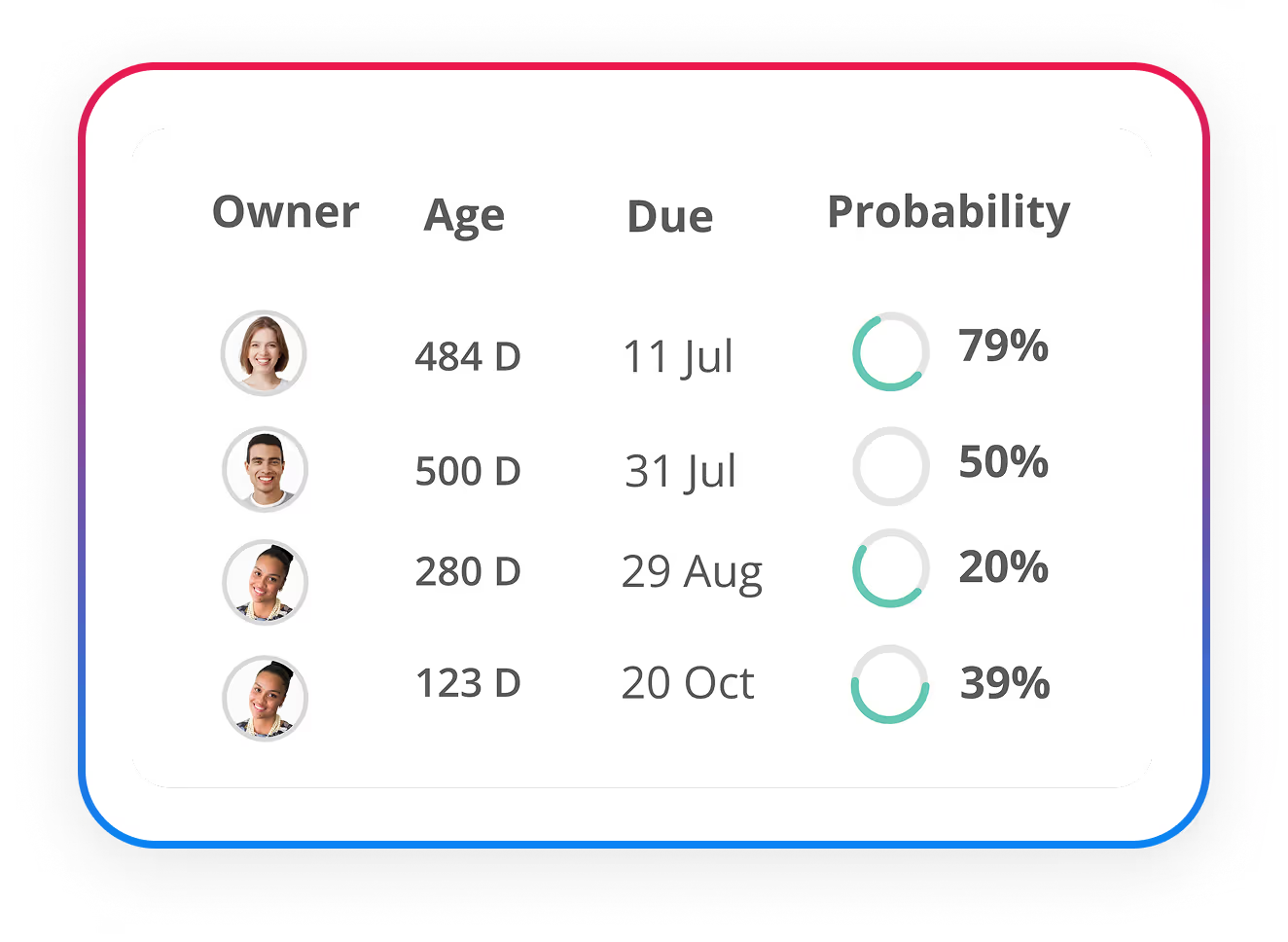
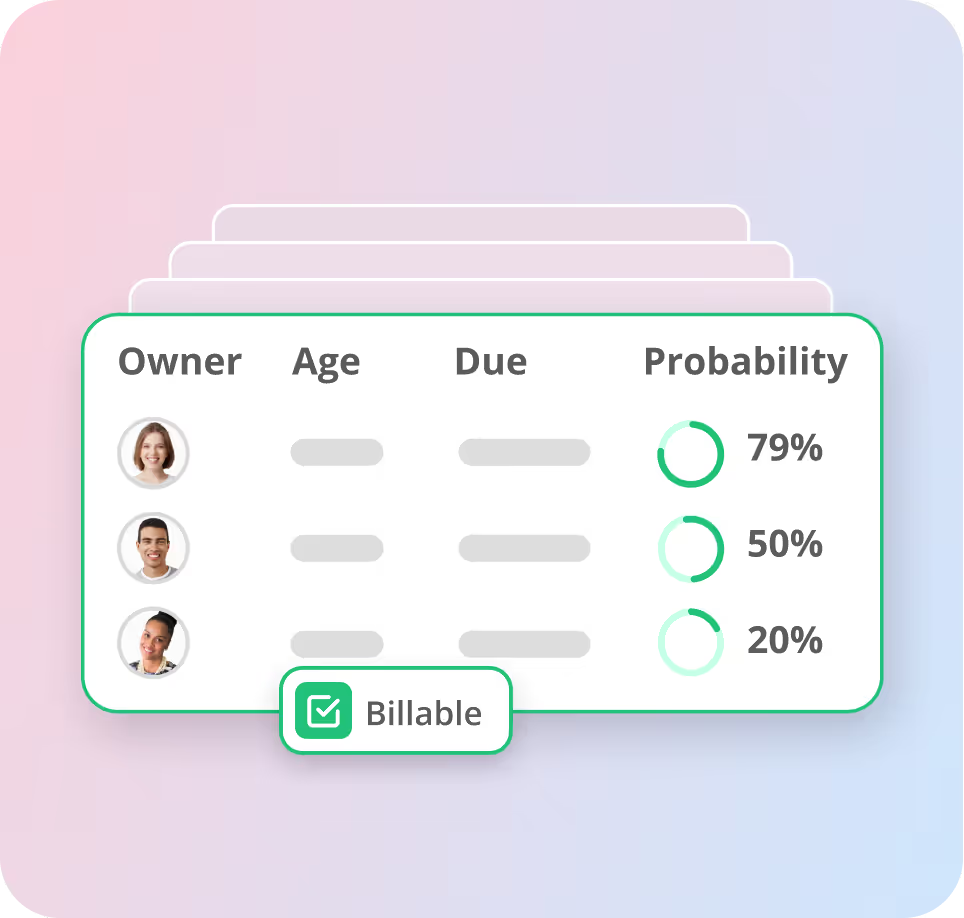
Magnetic opportunity card showing three opportunity owners with blurred age and due data, and probability percentages of 79%, 50%, and 20%, with a checked Billable box.

Keep Client Data Accurate

Trigger workflows when new companies or contacts are added or updated, ensuring your records are always up-to-date and reliable.

Automate Client Notifications

Set up client-specific alerts and updates so everyone is always on the same page

How it works

Set it once. Let it run. No coding required.

Build automations that trigger the moment something changes - and keep projects moving without the follow up.

Step 1

Set Triggers
An event like "task closed" or "opportunity signed" starts the workflow

Step 2

Add Logic
Add logic to narrow when it should run - like "status starts with review"

Step 3

Let it run
Automatically assign tasks, notify the right people, create follow-ups and more.
kloudera-service-three-faq-image

See how Happy Friday cut admin by 30% with workflow automation

From duplicated tasks and scattered time tracking to a streamlined, scalable system, Magnetic gave Happy Friday the clarity and control to grow without getting buried in admin.

flexible pricing

Start Growing with Magnetic Pro

Access Magnetic's full automation engine - including task workflows, client triggers and internal alerts.

Essentials
For scaling Agencies looking to streamline operations
From
10
per user /mo
*Minimum of 5 users
Most Popular
Pro
For Agencies that need advanced features
From
17
per user /mo
*Minimum of 5 users
Enterprise
For large-scale agencies with complex needs
Get in touch
Lets Chat
*Minimum of 5 users
Integrations

Seamlessly integrate with your existing tools

Connect all your favourite  tools in one place for a smoother, more cohesive experience.  Need more? Use Zapier to plug into hundreds of other tools, fast.

View all Integrations
taskopia-integration-line-left
taskopia-integration-line-right
Real Feedback

What our customers say

Real stories from teams transforming workflows with Magnetic.

4.5
Stars out of 5 on g2 and capterra
G2 Icon

What I love most: you don’t need 4 to 5 different tools to manage CRM, billing, project timelines, resource scheduling, finance and reporting. Magnetic simply brings everything under one roof, which keeps things clean, organised and visible across the entire team.

11 July, 2025
Carissa, M.
Digital Marketing Stategist, Marketng & Advertisng,

"Intuitive Scheduling and Resource Planning"

Pippa M
Head of IAB Agency Council, Small-Business (50 / fewer emp.)

"Helps internal processes flow smoothly"

Neesha Hassan
Traffic Manager, small business
Free for 14 days | No credit card required

Put your workflows on autopilot

Automate tasks and updates and speed up followups - without code - and keep projects moving forward.

frequently asked questiosn

Automation FAQs

Everything you need to know about setting up automations with Magnetic
What types of workflows can I automate in Magnetic?
Magnetic supports automation across tasks, jobs, client management, and accounts. You can set up automated task progress tracking, status updates, notifications, invoicing, and more.
Can I create custom automations tailored to my business needs?
Yes! Magnetic allows you to design custom automation workflows that align with your company’s unique processes, helping streamline operations without unnecessary complexity.
Do I need coding skills to set up automations?
Not at all! Magnetic’s visual workflow builder makes it easy to create, manage, and modify automations, even if you don’t have technical expertise.
How secure is my data when using Magnetic’s automations?
We use industry-standard encryption and security measures to keep your data safe.
Can I edit or disable an automation after it’s set up?
Yes! You can modify, pause, or remove automations anytime to fit your changing needs.
How do Magnetic automations actually save time?
Magnetic takes over repetitive tasks like assigning work, updating task statuses, and sending reminders. This means less manual work for your team and more time for projects that matter.
How do I get started with Magnetic’s automation tools?
You can start a free 14-day trial (no credit card required) or book a demo to see how Magnetic can streamline your business operations with automation.